

Collection Runner
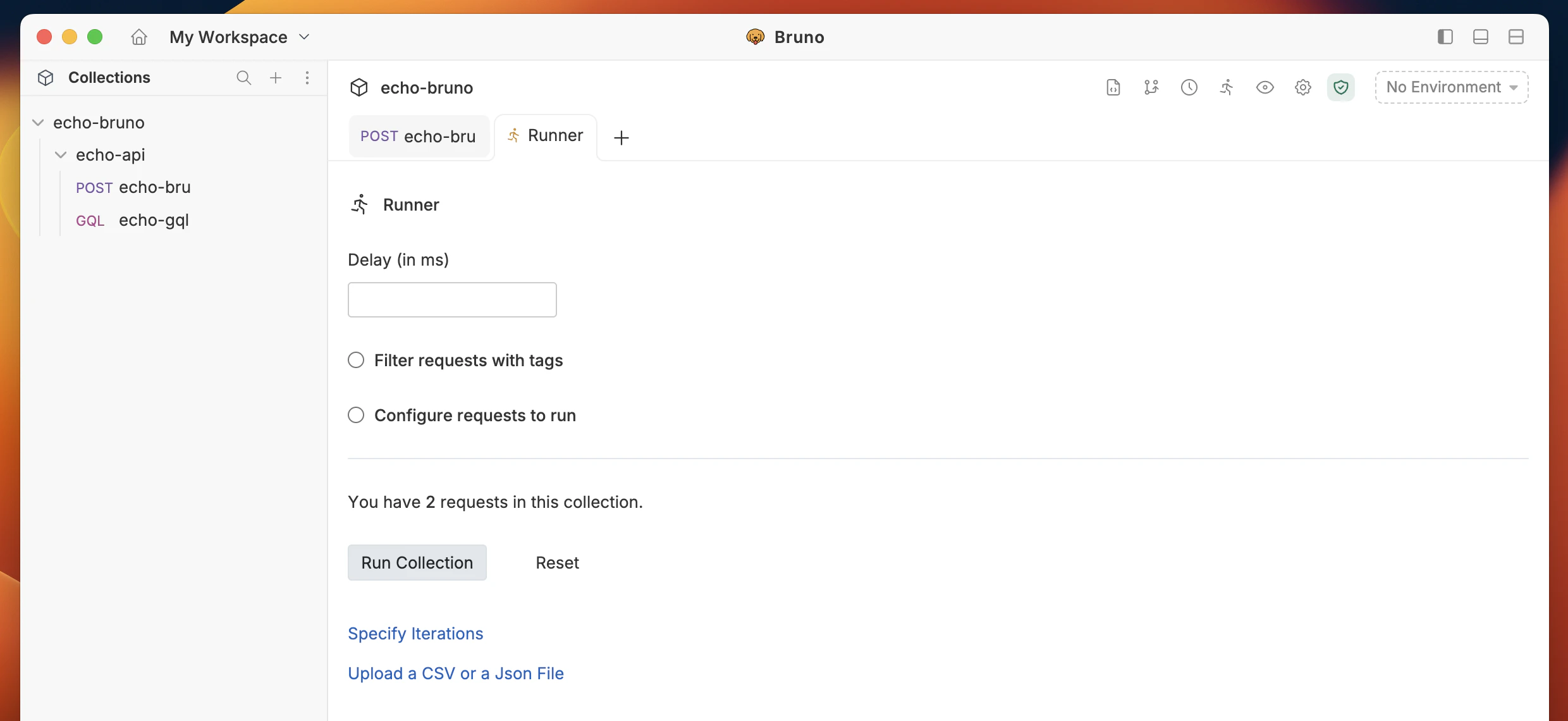
The built-in Collection Runner supports unlimited runs.- Open the Collection Runner using either method:
- In the sidebar, click
···next to your collection, then select Run. - Or click the Collection Runner icon in the top bar.
- In the sidebar, click


- Configure the run (optional): In the runner, set parameters, choose a delay between requests, and adjust any other options you need.
- Start the run to execute the collection from the runner.
Data-driven testing by using a .CSV file is available in our Pro and Ultimate Edition
Automating Runs in CI/CD
- Use the Bruno CLI to run collections from scripts and pipelines (no GUI required).
- Follow the CLI docs to install the CLI, run a collection, and wire it into your CI/CD jobs: Bruno CLI ↗